Contractor Accounting App

Daftarak — Field Accounting for Contractors

A construction project accounting and management app that works even without internet. Record transactions, contracts, suppliers, and material supplies directly from the site, and review your reports whenever you need.

📱 Android 🌐 Works Offline 📊 PDF Reports
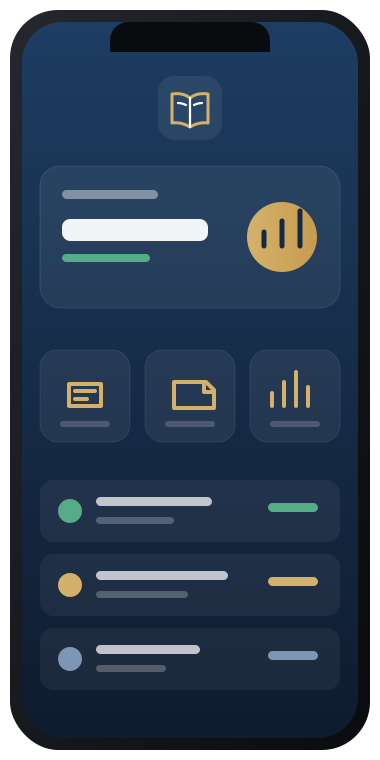
Project statistics dashboard in Daftarak app
Local-first
Works without internet
↑ Data priority
PDF
Print-ready reports

Contractor Accounting Is Not Like General Accounting

A contractor does not just manage invoices. They track projects, contracts, suppliers, payments, materials, and changing balances from one site to another. Daftarak was built specifically for this reality.

  • 1 Multiple projects with separate balances and contracts.
  • 2 Financial transactions linked to one or more parties.
  • 3 Materials, supplies, and execution need precise tracking.
  • 4 Instant reports are needed on site, not in the office.
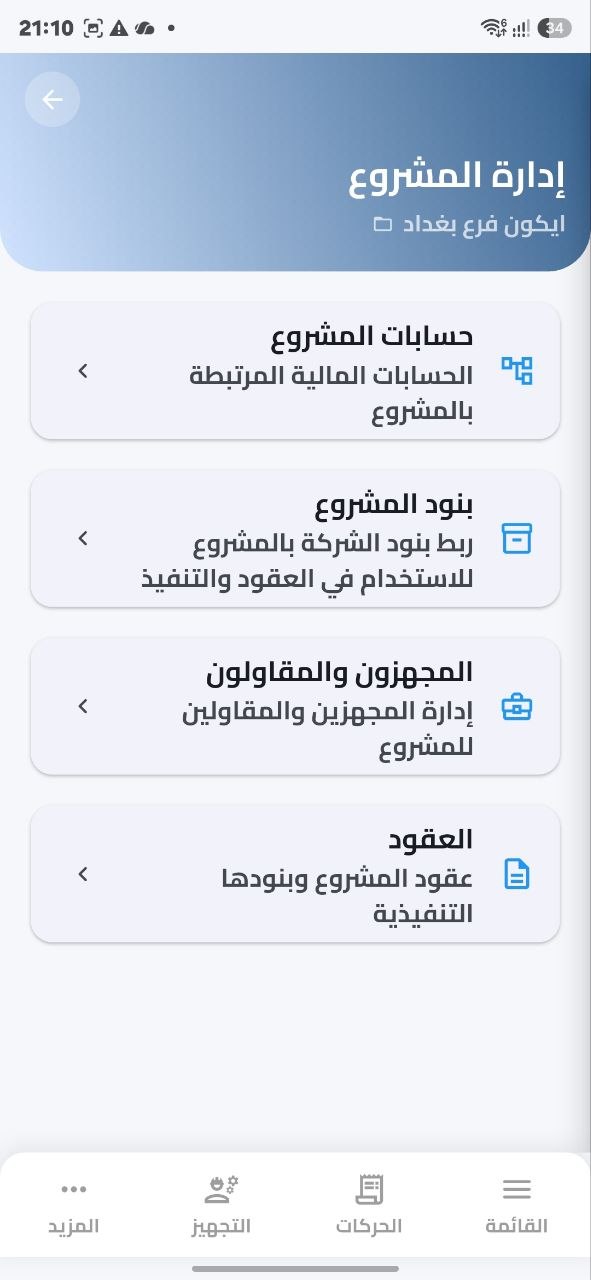
Project management screen in Daftarak
How It Works

How Does Daftarak Work?

Daftarak does not start with chaos. It starts by organizing your company reference, then lets each project choose what it needs.

Instead of entering everything from scratch for every project, you start by setting up a unified company reference: clear accounts and materials. Then each project selects what it needs from this reference.

1

Financial Accounts

Set up general financial accounts for your company as templates from the accounting chart. Choose the accounts that fit your business, then each project selects its accounts from this unified reference.

2

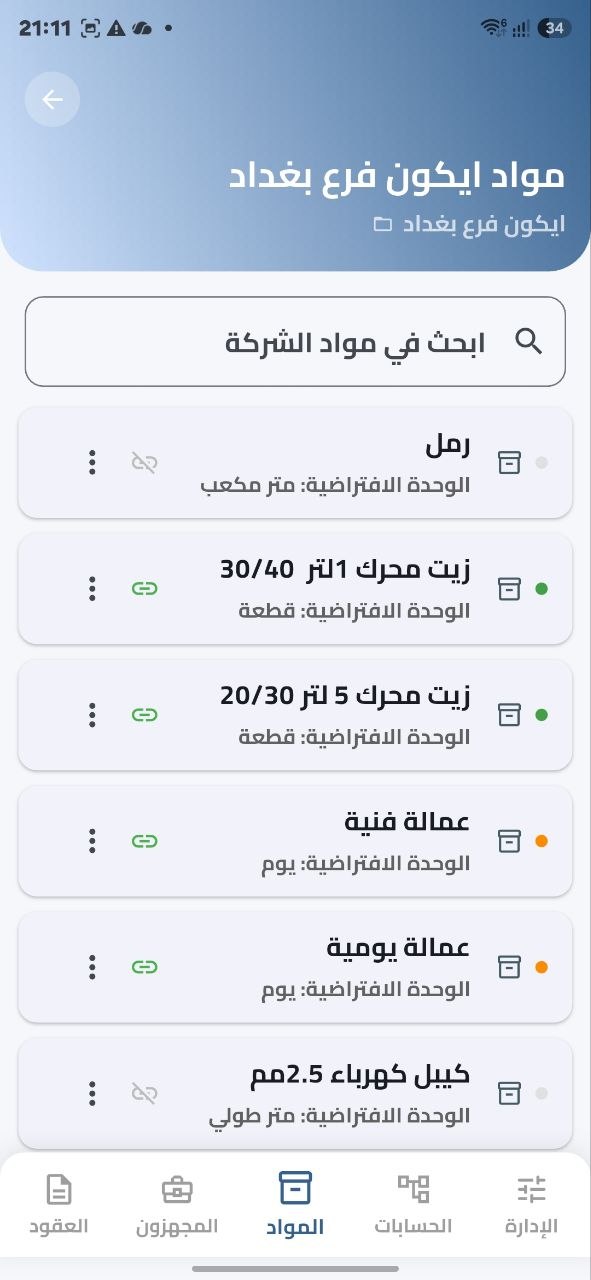
Company Materials

Create a unified materials catalog at company level. Each project selects its materials from this catalog only, keeping labels consistent and central reports more accurate.

3

Daily Work

Add the project, choose its accounts and materials, record financial transactions, manage suppliers and contractors, add contracts and their items, and record material supplies.

4

Works Offline

Every operation is saved locally on the phone first. When connection and cloud activation are available, sync later for backup and team work.

Company management with reference accounts and materials in Daftarak
Local Work Mode
Saved transactions 124
Active contracts 8
Projects 3
Ready to sync when connection is available

Starts on the Phone, Works Without Internet

Daftarak starts on your phone. Every transaction, contract, or supply is saved instantly on your device, so work does not stop because of weak internet. When connection and cloud activation are available, sync helps you keep a secure backup and share work with the team.

  • 💾
    Instant local save
    Data is recorded on the device before anything else.
  • 🔄
    Sync on demand
    Sync activation is done through the cloud plan.
  • 🛡️
    Backup
    Keep a copy of your data in the cloud.
Why Daftarak

Features That Fit the Contractor Reality

Practical accounting tools built around the construction project, not just a single invoice.

🏗️

Project Management

Create separate projects and link every account, contract, supplier, and financial status to the right project.

📜

Contracts & Suppliers

Record work contracts, supplier details, and subcontractors in an organized, connected way.

💵

Financial Transactions

Payments, expenses, advances, and changing balances with automatic tracking for every party in the project.

🧱

Material Supply & Execution

Track required and executed material quantities, linked directly to projects and contracts.

📄

Reports & PDF

View summaries inside the app, then export any report as PDF for review or printing.

☁️

Optional Sync

When cloud activation is enabled, sync your data and keep a backup while working with your team.

Material supply and execution records in Daftarak
Project Supplies

Track Your Project Materials by Quantity and Value

Linking materials to contracts and suppliers gives you a clear picture of what has been supplied and what has been executed. Each material item is linked to quantity, unit, price, and the responsible party.

  • Supply and execution records organized by date.
  • Each material linked to the right contract and supplier.
  • PDF reports showing quantities and values per project.

Your Reports Ready to View and Export

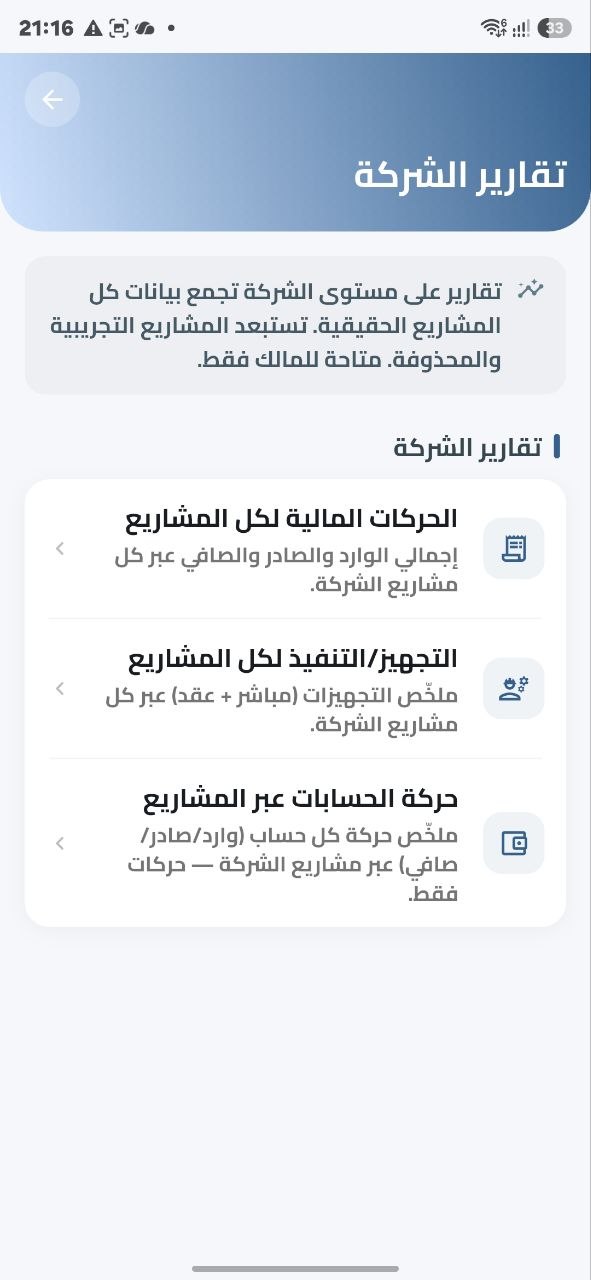
General summary, project account statement, account balances, financial transactions, material supply and execution, and party account statement for a supplier or contractor. Reports are displayed inside the app first, then exported as PDF when needed.

  • General financial summary
  • Project account statement
  • Account balances
  • Financial transactions
  • Material supply & execution
  • Party account statement (supplier or contractor)
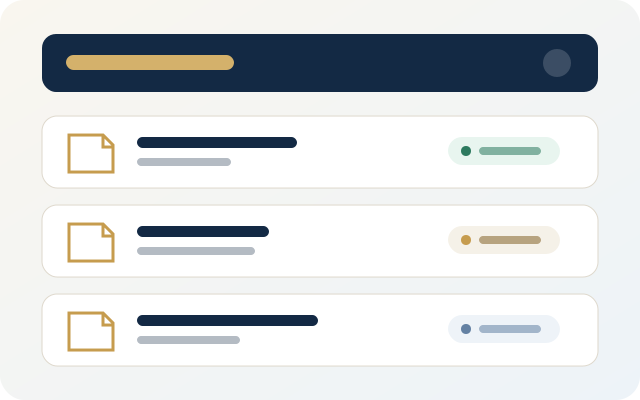
Preview of financial transactions report as PDF in Daftarak

Clear Permissions for Your Team

The owner manages everything, the manager follows daily operations, and the user works within their permissions. Permissions help the team collaborate without overlap or losing oversight.

👑

Owner

Has full permissions: projects, contracts, users, plans, and settings.

📋

Manager

Follows daily operations and manages transactions and reports within their scope.

🔧

User

Works within defined permissions, records data, and reviews only what concerns them.

Company management, subscription, and sync in Daftarak
Plans & Activation

Start with What Fits Your Stage

The free plan is suitable for starting and working from one device. The cloud plan is for teams that need sync and collaboration.

Starter

Free

Suitable for individual contractors or small construction companies starting from one device.

  • Manage one or more projects
  • Financial transactions and contracts
  • In-app reports
  • PDF export
  • Local offline work
Download the App
Activation & Trial

How to Request a Daftarak Trial or Activation?

Or Contact Support from the Website

You can also email us from the website. Please include the following information so we can help you quickly:

  • Company code.
  • Registered email address in the app.
  • How many months you need to test the app.
  • Request type: cloud sync trial or Premium activation.
Note: The trial does not require a financial commitment or credit card. Just send the required information and we will help you activate the suitable trial.

Get Your Project Accounts Ready from the Site

Download Daftarak on your Android device and start organizing your projects, contracts, and suppliers from day one.