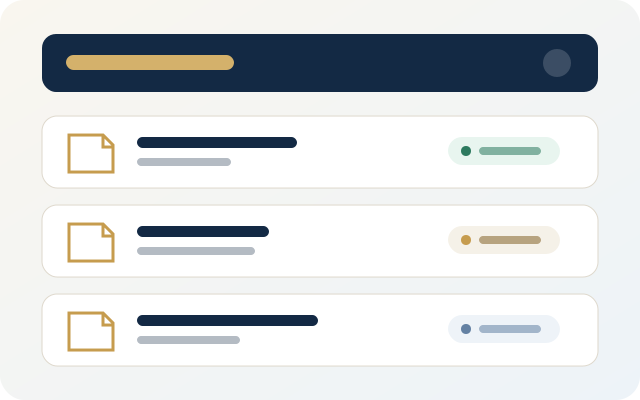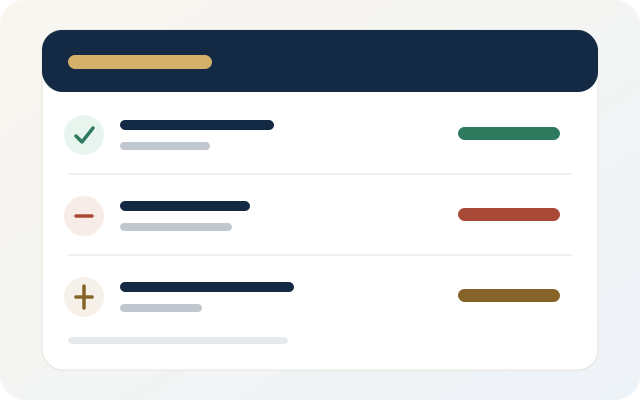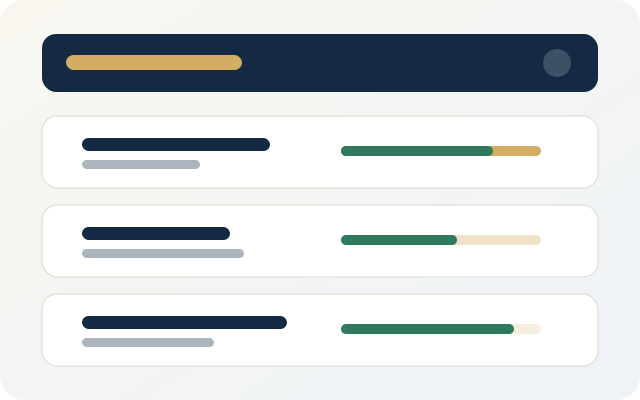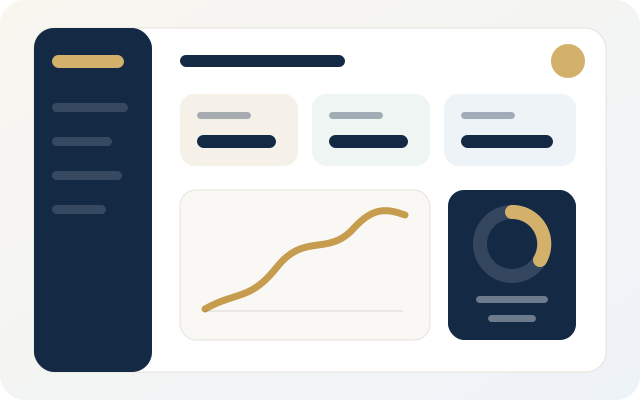
Project management screen in Daftarak
Project Management

Your Projects in Clear Order With Linked Numbers

Create a project for each site and link it to financial accounts, contracts, and suppliers. Each project has its own balance and separate transactions.

  • Separate projects with independent balances.
  • Link accounts and contracts to the project.
  • Reports specific to each project or across all projects.
Contracts screen in Daftarak
Contracts & Suppliers

Your Project Parties Organized & Connected

Record suppliers and subcontractors and link them to specific contracts. Track execution percentage and financial value for each contract.

  • One party record for each supplier or contractor.
  • Contracts linked to the party and project.
  • Completion indicator for each contract.
Financial transactions screen in Daftarak
Financial Transactions

Payments & Expenses With Automatic Tracking

Record incoming, outgoing, and advances for each party. Daftarak calculates balances automatically and gives you a clear picture of each account status.

  • Transactions linked to a party and project.
  • Balances calculated automatically.
  • Filter by date, type, and party.
Project materials screen in Daftarak
Material Supply & Execution

Project Materials From Request to Execution

Track required and executed material quantities, and link each material to the contract and supplier. Reports show quantities and values for each item.

  • Record company materials and link them to projects.
  • Supplies and executions with clear dates.
  • Detailed PDF reports for materials.
More

Everything You Need to Organize Work

Additional features that complete the project management experience directly from the site.

📄

PDF Reports

Create financial and supply reports ready to print or share as PDF.

☁️

Cloud Sync

When cloud activation is enabled, sync data and keep a backup.

👥

User Permissions

Control team permissions: Owner, Manager, or User with limited access.

🌐

Works Offline

Record everything locally on your device, then sync when connection is available.

Start Your Daftarak Experience Today

Download the app for free and try the starter plan, or contact us to activate the cloud plan.